 Code
VaultBoard keyboard capture
ClipVault's custom keyboard captures copied text reliably on Android 10 and later, working around the background-clipboard restrictions that broke older clipboard managers.
Everything you copy, kept safely on your own phone — a clipboard vault that shares nothing with anyone.
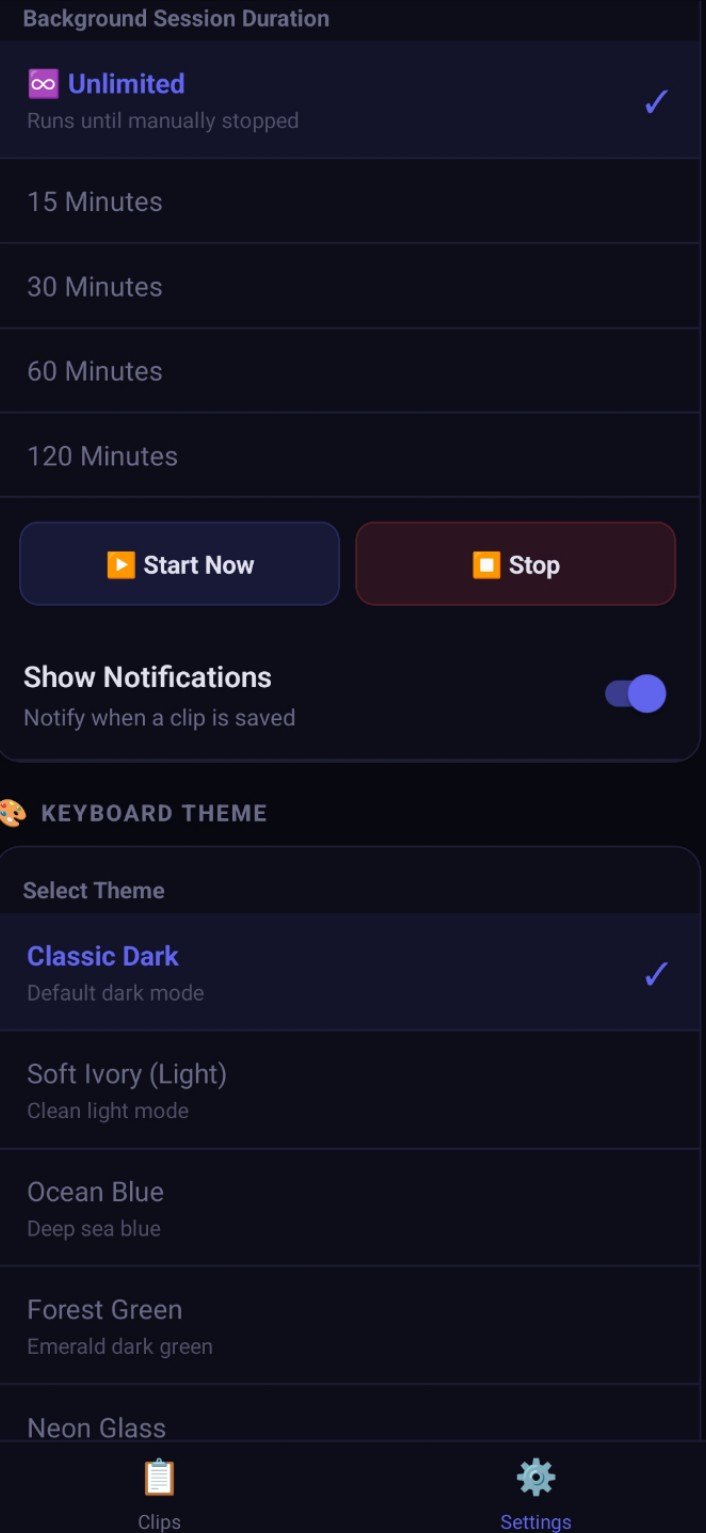
ClipVault is a smart clipboard manager for Android by MindCrafts AI, published on Google Play. Android 10 and later restricted background clipboard access, which quietly broke traditional clipboard managers; ClipVault answers with its own VaultBoard keyboard, which captures copies reliably as you type and paste. Everything the vault holds is stored 100% on the device — nothing is shared with third parties — with an optional backup into an isolated folder of the user's own Google Drive for those who want one.
The clipboard is where a phone's most sensitive scraps pass through: one-time passwords, account numbers, private messages, addresses. Ordinary clipboard tools either stopped working when Android tightened its rules, or solved the problem by sending data to a cloud the user never chose. The challenge was to make clipboard history dependable again — capturing every copy reliably on modern Android — while keeping a hard privacy line: the vault lives on the device, opens only for its owner, and never phones home.
ClipVault's custom keyboard captures copied text reliably on Android 10 and later, working around the background-clipboard restrictions that broke older clipboard managers.
Every clip is stored locally on the phone. No data is shared with third parties — the privacy promise is architectural, not a setting.
For users who want a safety copy, backup goes to an isolated app folder in their own Google Drive — their space, under their account, and entirely optional.
Voice typing works fully offline in English, Urdu and Arabic — dictation that never sends audio anywhere.
The vault opens with the owner's fingerprint or face, and incognito mode pauses capture whenever what is being copied should leave no trace.
Clips sort themselves into links, phone numbers and emails automatically; multi-select bulk export moves many clips at once, and every clip keeps its version history.
ClipVault was built privacy-first: the VaultBoard keyboard, on-device vault, categories and history were designed so that no feature ever requires data to leave the phone.
ClipVault was published on Google Play (com.clipvault.mobile) by MindCrafts AI.
The store listing, data-safety declarations and published feature set were verified live, and the app was listed in this portfolio with its Play Store link.
Live on Google Play: Android users keep a full, private clipboard history on their own device, with VaultBoard capture and offline voice typing in English, Urdu and Arabic.
Next step: Refinements from user feedback, with the privacy line — nothing leaves the device — held exactly where it is.
Tell us about your business on WhatsApp — we will map the fastest route from where you are to a project like this one, with a fixed quote before anything starts.